
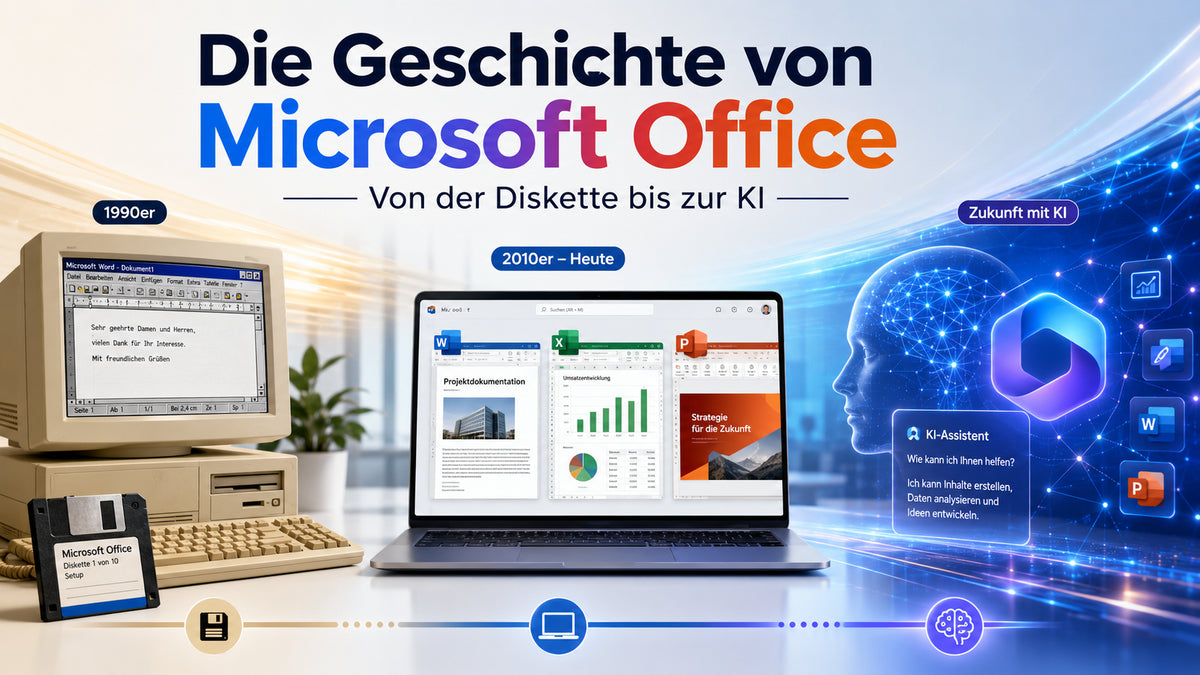
Word, Excel and PowerPoint have evolved from individual desktop applications into a broad range of software and services. Two models coexist today: fixed Office releases for a one-off purchase and Microsoft 365 subscriptions with ongoing services.
1989: Office begins as a package for the Mac
Microsoft's own timeline lists the first Macintosh edition of Office in 1989. Familiar applications were offered together in one package as well as individually. This was an important step towards a unified office workspace.
The Windows workplace grows
As Windows spread, word processing, spreadsheets and presentations became everyday PC tasks. The practical benefits of a suite were shared document workflows and easier exchange between applications. Different editions also emerged for home and business use.
The ribbon and modern documents
The interface, collaboration and file exchange changed over the years. DOCX, XLSX and PPTX files are common today. If you migrate older documents, macros or templates, test how they look and work. A new Office release cannot guarantee that every legacy add-in will work correctly.
2011: Office 365 launches
Microsoft launched Office 365 in June 2011, bringing ongoing services and subscriptions to the foreground. This still matters when choosing what to buy. With a subscription, the term, users, devices and online services matter alongside the applications.
Microsoft 365 does not replace every Office product name
Microsoft introduced the Microsoft 365 name for many subscription offerings. Traditional Office releases still exist. Office 2024 is available as a separate one-off purchase, while Microsoft 365 covers various subscriptions and services. Check which model you are buying.
AI features: Check the specific plan
AI tools can streamline tasks in supported applications. An Office 2024 licence does not automatically include every Microsoft 365 or Copilot feature. Check availability, allowances, supported languages and technical requirements separately.
What does this history mean for buyers today?
- One workstation, fixed version: Compare suitable Office 2024 editions.
- Several devices and cloud services: Choose Microsoft 365 by number of people, term and services.
- Business use: Check the applications you need and the specific usage rights.
- Older version: Consider how long you can use it and how much manufacturer support remains separately.
A perpetual version does not automatically receive perpetual support. When setting up a new system, compare it with a current, supported configuration.
Choosing Office and Windows together
Office 2024 Home & Business includes Word, Excel, PowerPoint and Outlook according to the product description. The Professional Plus offer for Windows includes the additional apps listed there. For subscriptions, compare Microsoft 365 Personal and Microsoft 365 Family.
If you are also setting up the operating system, see our Windows and Office guide. Digital delivery takes place once payment is confirmed and the whole order is ready.
Support and licence duration are separate: Regular support for Office 2021 ended on 13 October 2026, and support for Office 2016 and 2019 ended on 14 October 2025. These applications may continue to work, but no longer receive regular security updates. Microsoft's lifecycle lists Office 2024 support through 9 October 2029. A one-off purchase does not include indefinite updates. Office 2021 end of support at Microsoft · Office 2024 lifecycle at Microsoft.
Primary sources: Microsoft's 1989 timeline · Microsoft company timeline.
Editorial review: 23 October 2026. See the relevant product page for prices, availability and specific usage rights.